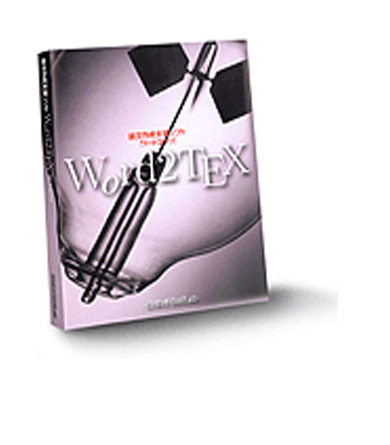


What For?
Why you may need your documents to be in LaTeX format? LaTeX is a de-facto standard in scientific publishing and most scientific publishers accept papers only in LaTeX format. LaTeX documents can be published not only on the paper, but on the Web using, for instance, pdfTeX which compiles TeX/LaTeX documents to PDF (Portable Document Format by Adobe). Read more about Web publishing with PDF in Thomas Merz book "Web Publishing with Acrobat/PDF" (Springer-Verlag, 1997, ISBN 3-540-63762-1), also it is highly recommended to visit BinaryThing.com which runs The ePublishing Network -- network of interrelated sites dedicated to electronic publishing (ePublishing). To see samples of PDF documents created with Word2TeX.

How do I use it?
Once Word2TeX installed, its operation is seamless, below is shown a three-step procedure of converting Microsoft Word document to LaTeX: Start Microsoft Word (if it's not already running), open the document you want to convert by File|Open...;
 Invoke File|Save As... dialog box and choose "TeX" format for saving:
 Enter a file name for output LaTeX document and click
That's all! I told you it was easy.
You'll say: "OK, what if I need some specific type of LaTeX format, for instance, REVTeX (Physical Society LaTeX)?" -- Word2TeX can be customized to create any type of LaTeX-based format!
System Requirements
In order to install and run Word2TeX, your computer must have:Microsoft Windows 95 or later (Windows 98, Me, NT, 2000, XP, Vista);
The Word2TeX converter is not independent application, but the add-in to Microsoft Word and it requires Microsoft Word 95 or later version (Microsoft Word 97, Word 2000, XP, 2003);
A hard disk drive with at least 2 megabytes of free space.
Features:
State-of-the-art user interface
Word2TeX is very easy to use once installed. To translate your Word document to LaTeX you just need to File|Save As... with "TeX" saving format option:
Document formatting & structure translation
Translates documents to LaTeX2e, LaTeX2.09, AMS-LaTeX formats. Word2TeX can be customized to produce any LaTeX-based format.Word2TeX translates following structure and formatting aspects of Word documents:
- º text (including MBCS, has built-in customizable Unicode database),
- º equations and references to equations (all versions of Equation Editor and MathType supported) ,
- º color (in equations too),
- º text formatting,
- º paragraph styles,
- º footnotes, endnotes (to LaTeX bibliography),
- º index,
- º multicolumn formatting,
- º references, hyperlinks,
- º figures (to EPS or EPDF),
- º tables (including nested tables),
- º lists and enumerations,
- º and even much more...